Your whole day,
on one page.
Daybook keeps your tasks, habits, countdowns and shared lists together, so you can see what needs you today and make room for the rest. It speaks MCP, so Claude Code and other assistants can read your day and add to it.
7 days of Pro included. No credit card needed. Android app coming soon.
Start with what needs you.
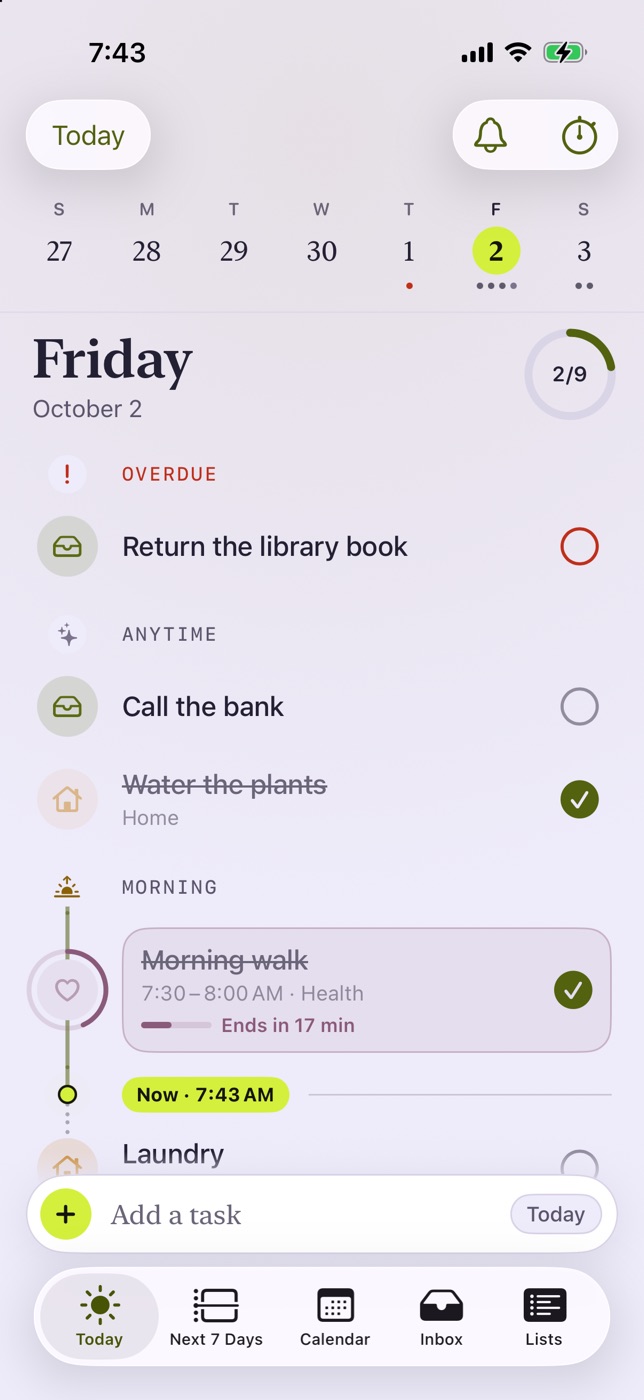
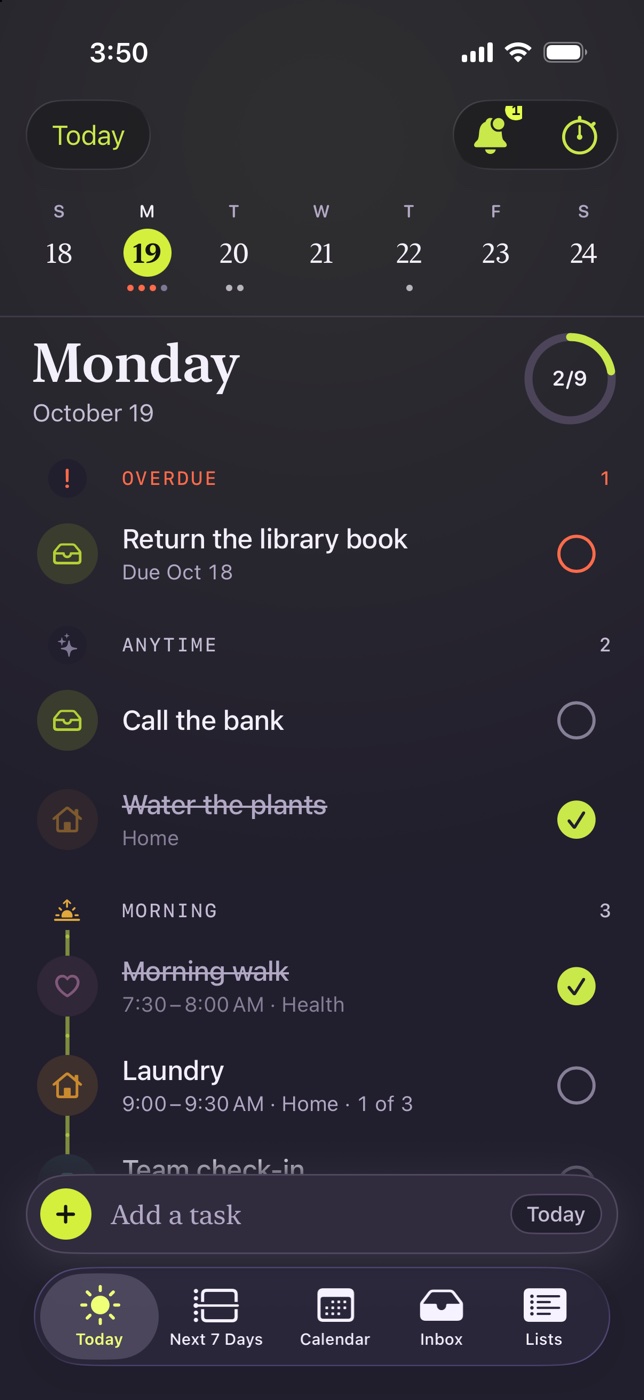
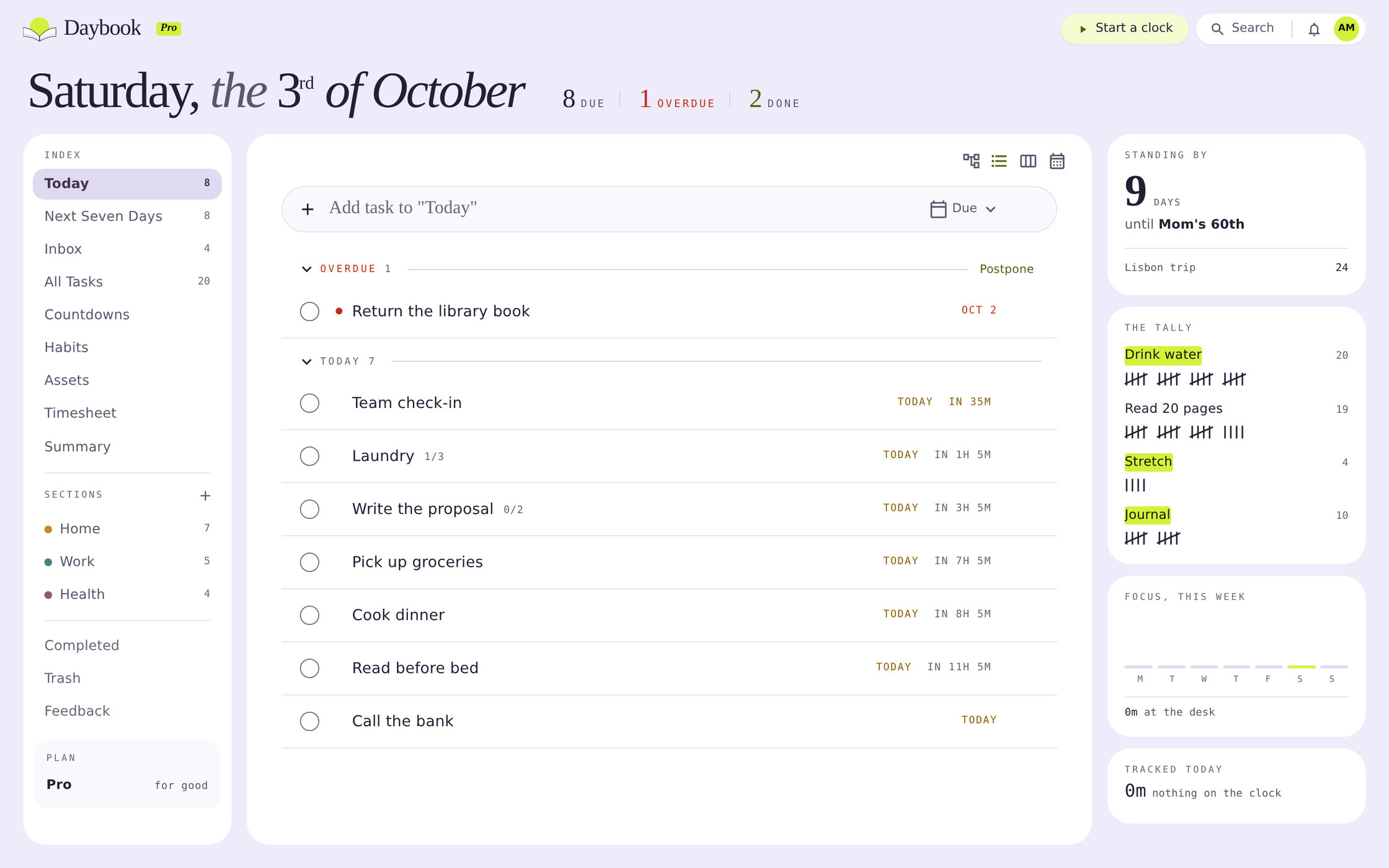
Today lines up what’s overdue, what can happen anytime, and what’s set for the morning, afternoon and evening, with a line across it for now.
- Inbox
- Write it down the moment you think of it, and sort it out later.
- Next 7 Days
- The week ahead as one list, a day at a time.
- Lists
- Home, work and everything between, each in its own colour.
Say it to your assistant. It lands on the page.
Daybook speaks MCP, the open protocol assistants use to reach the tools you work with. Connect Claude Code, Cursor or any other MCP client with one token and it can read your day, add and finish tasks, log a habit and run the clock, as you.
- Assistants Pro
- One token, issued in Settings and revoked there in a click. It never sees your password.
- What it can’t do
- Share a list, change your account, or delete anything. A task it takes away goes to the trash, where you can bring it back.
Share the list, not the reminding.
Invite someone to a list as an editor or a viewer, and you’re both working from the same page. They can join on any plan, so only one of you needs Pro.
- Shared lists Pro
- Groceries, the move, the wedding. Joining someone else’s list is free.
- Family Care Pro
- Who has the children each day, agreed between the adults, with an alert to everyone a change involves.
Saturday shop
Shared with Alex
- Oat milk(done)
- Sourdough(done)
- Birthday candles
- AA batteries
- Dog food
See the month coming.
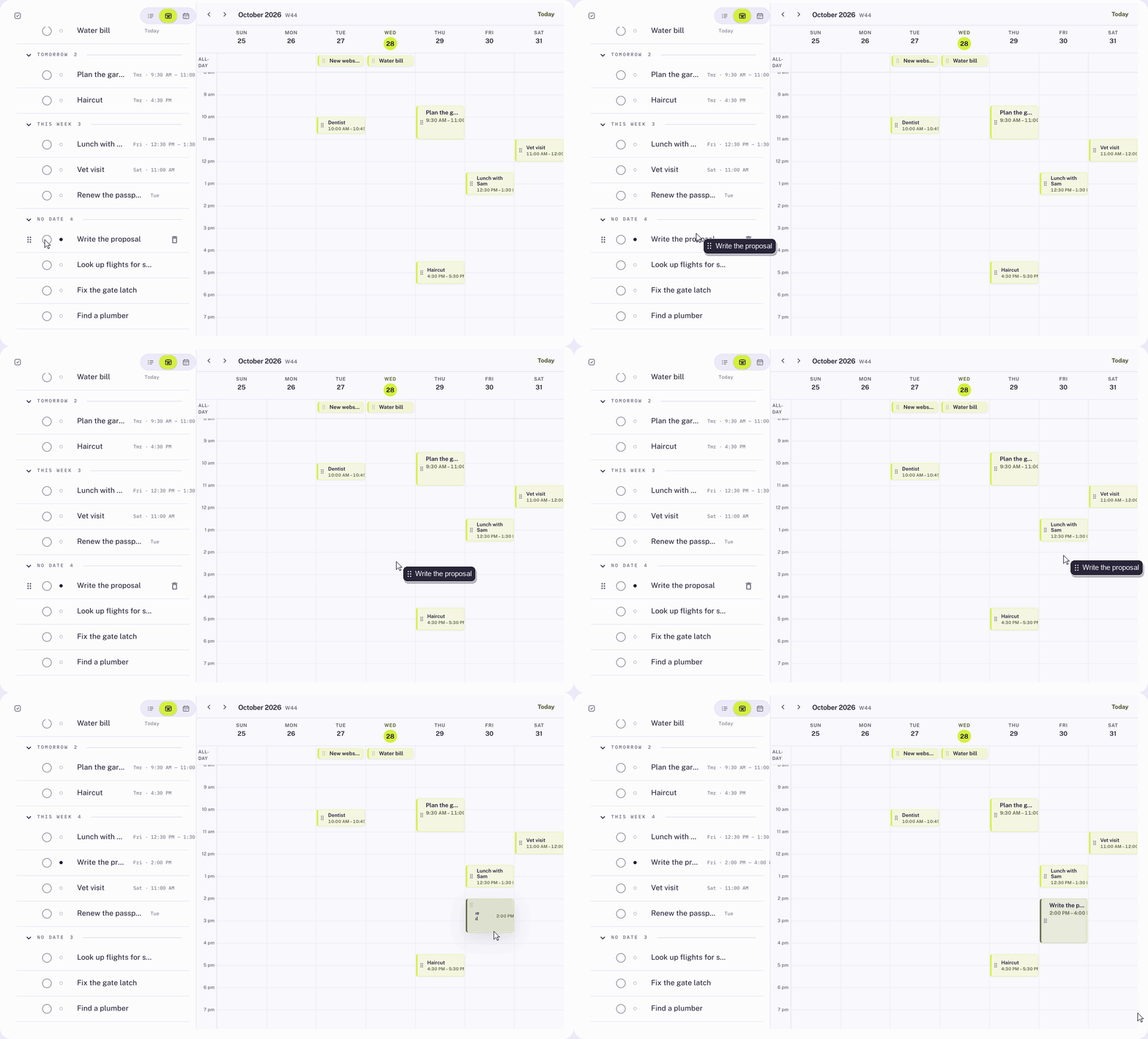
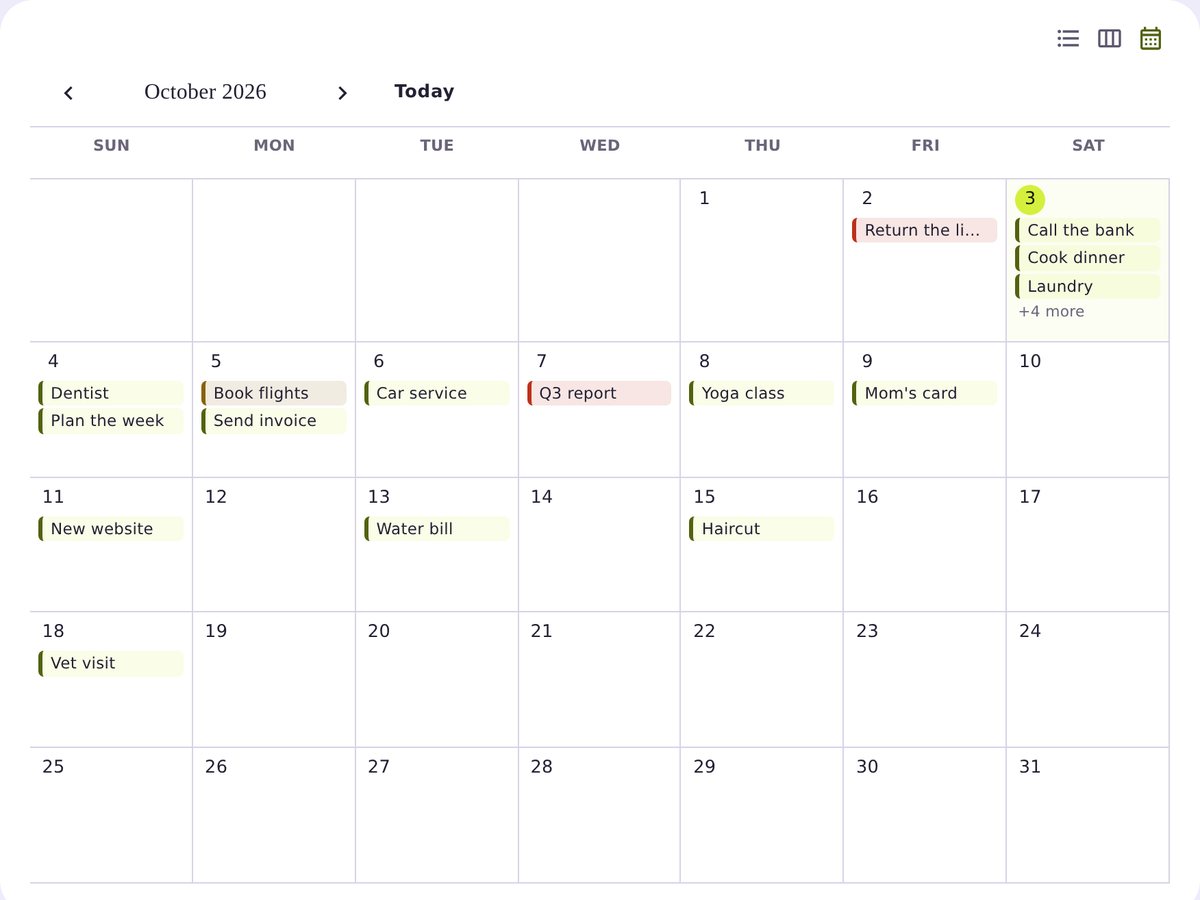
Every task with a date lands on the calendar, on the web and on your phone, so a busy week never sneaks up on you.
- Calendar feeds Pro
- Publish your dated tasks to Google or Apple Calendar, and bring your real calendars into Daybook’s week.
Give one task your whole attention.
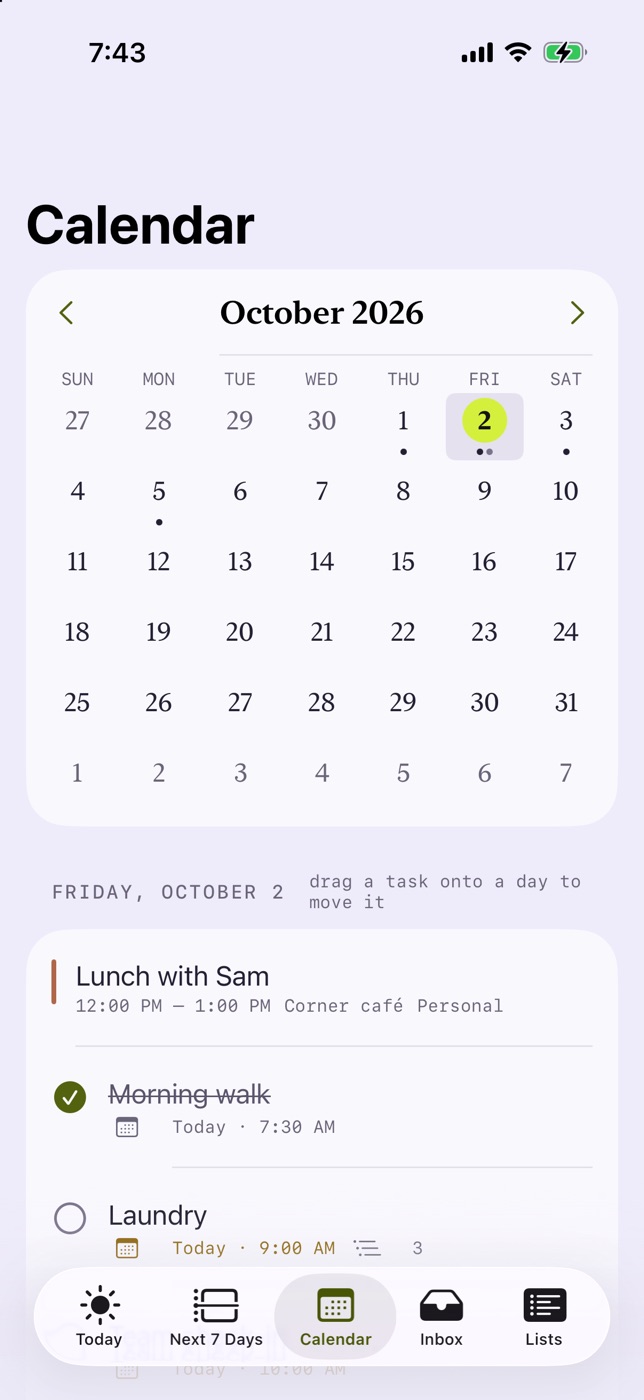
Start a focus timer from any task and let the rest of the list wait until it rings. When the work is billable, run a clock on a project and read the week back as a timesheet.
- Focus timer Free
- Twenty-five minutes on one thing, then a break.
- Clock and timesheet Pro
- Start a clock from any page, see the week’s hours, and export them.
Press the button and watch the tiles fill in.
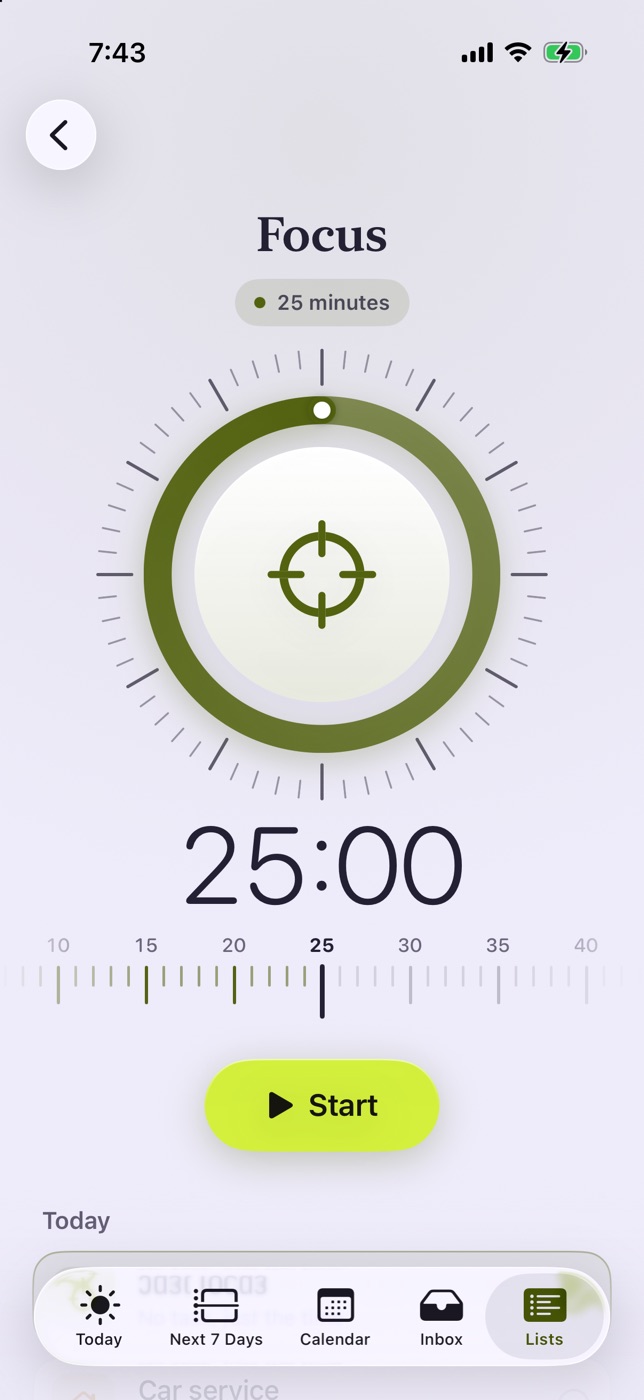
Keep habits beside your tasks. Every day you keep one lays a tile in its colour, deeper the longer the run, and the streak keeps count so you don’t have to. Missed a day? Mark it after.
Count down to the good stuff.
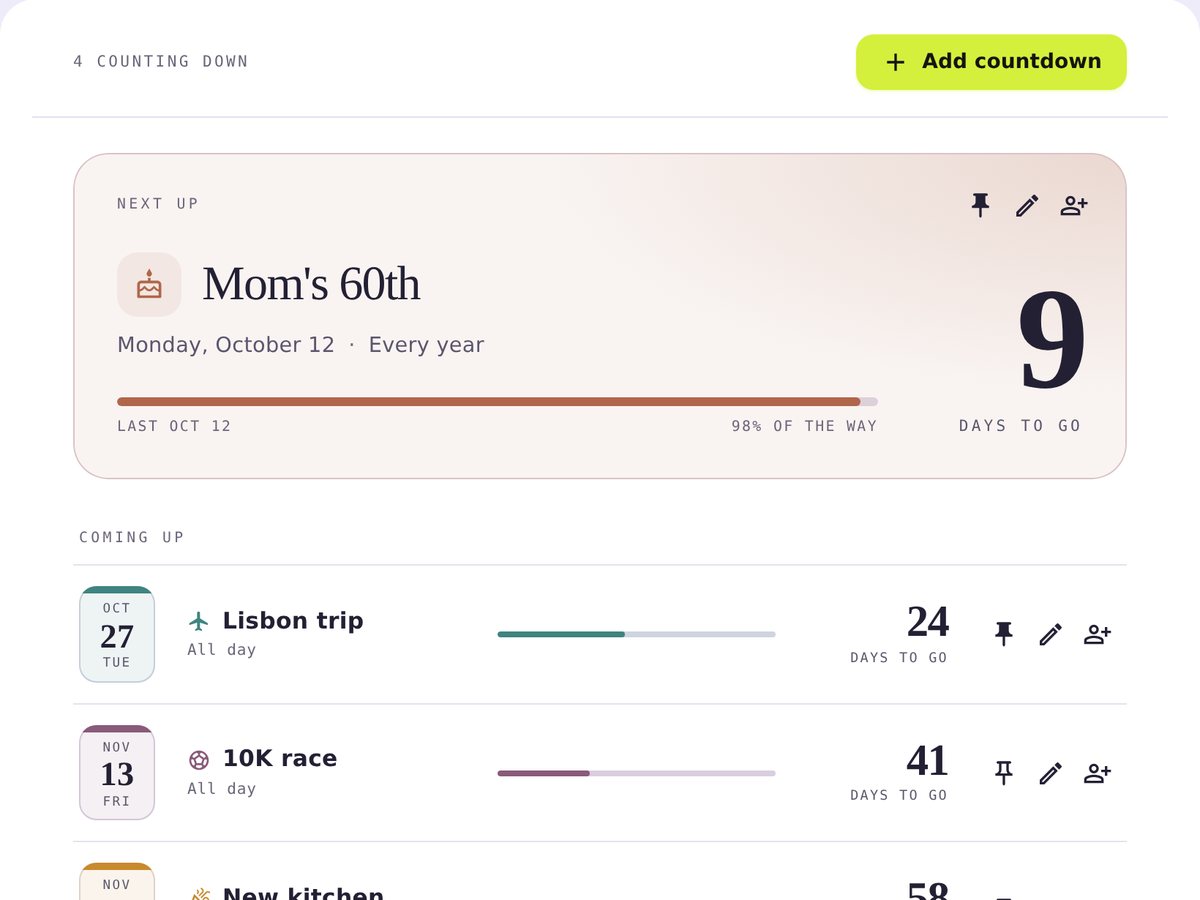
Birthdays, trips, race day, the new kitchen. Countdowns keep the dates you’re looking forward to in view, and you can share one with anyone, on any plan.
Free for the everyday. Pro when you want more.
Every new account starts with seven days of Pro. No credit card needed, and it moves to Free by itself when they end. Nothing you’ve added is ever deleted.
Free
$0for as long as you like
- Today, Next 7 days, Inbox and every list
- Habits and countdowns
- Sharing a countdown, and joining a list someone shares with you
- The web app, on any device
Pro
Everything in Free, and:
- The iPhone app, kept in step with the web
- Reminders that reach your phone and your browser
- The clock and the timesheet, with exports
- Calendar feeds, in and out
- The asset register, with photos
- Shared lists, with editors and viewers
- Tag people on a task, and they get its alerts
- Daybook inside Claude Code and other assistants
$3
a month
$20
a year
Best value
$50
once
Until December 31, the first 50 buyers get Lifetime for $25 instead of $50 with the code LIFETIME50 at checkout.
Monthly and yearly plans renew until you cancel. Prices in US dollars; tax is added at checkout. Any charge is refunded in full if you ask within 14 days.
Questions before you start.
Something else? Ask support.
What is Daybook?
Daybook is a personal planner for tasks, habits, countdowns and shared lists. Use it to organize work and everyday life, see what’s due today, and plan the week ahead.
Do I need a credit card to try it?
No. Create an account and confirm your email to start a 7-day Pro trial. You only pay if you choose to buy a plan.
What happens when my trial ends?
Your account moves to Free automatically. Your tasks, habits, countdowns, shared lists and web access stay. Pro features pause, and nothing you entered is deleted.
Can I use Daybook on my phone?
Yes. Daybook for iPhone is on the App Store, included with Pro, and an Android app is coming soon. Until then, the web app works in any phone’s browser. Sign in with the same account and it’s the same day everywhere.
Can I share plans with someone else?
Yes. Sharing a list is part of Pro, and the people you invite join on any plan, Free included, so only one of you needs to pay. Countdowns can be shared on Free.
Can I use Daybook with Claude or another AI assistant?
Yes. Daybook is an MCP server, so Claude Code, Cursor and any other MCP client can read your day, add and finish tasks, log habits and run the clock. It is part of Pro: issue a token under Account, then Assistants, paste it into the assistant, and revoke it there whenever you like. The assistant works through the same checks as the website, and it cannot share lists, change your account or delete anything.
How do cancellation and refunds work?
Cancel a subscription from your account’s Plan page or billing portal, and you keep Pro until the paid period ends. Write to support within 14 days of a charge for a full refund; the refund policy has the details. Bought Pro in the iPhone app? Cancel it in your iPhone’s Settings, and Apple handles the refund.
What happens to my personal information?
Daybook stores your account details and what you add, to run the service. You can download your data or delete your account in Settings. Read the privacy policy, including cookies and browser storage.
I already have an account. Where do I log in?
Use Log in at the top of the page, with your email and password or a passkey. Forgotten it? Reset your password.
Tomorrow starts on a clean page.
On the web and iPhone today. The Android app is coming soon.