Know what to do next
Capture loose ends in your Inbox, organize them into lists, and use Today and Next 7 days to see what needs your attention.
The deadline. The grocery run. The call you meant to make.
Friday, 9 October 2026
Get the to-dos out of your head. Daybook brings your tasks, habits, and plans together in one calm place.
Your day in your pocket. See what’s next, check things off, and give one task your full attention.
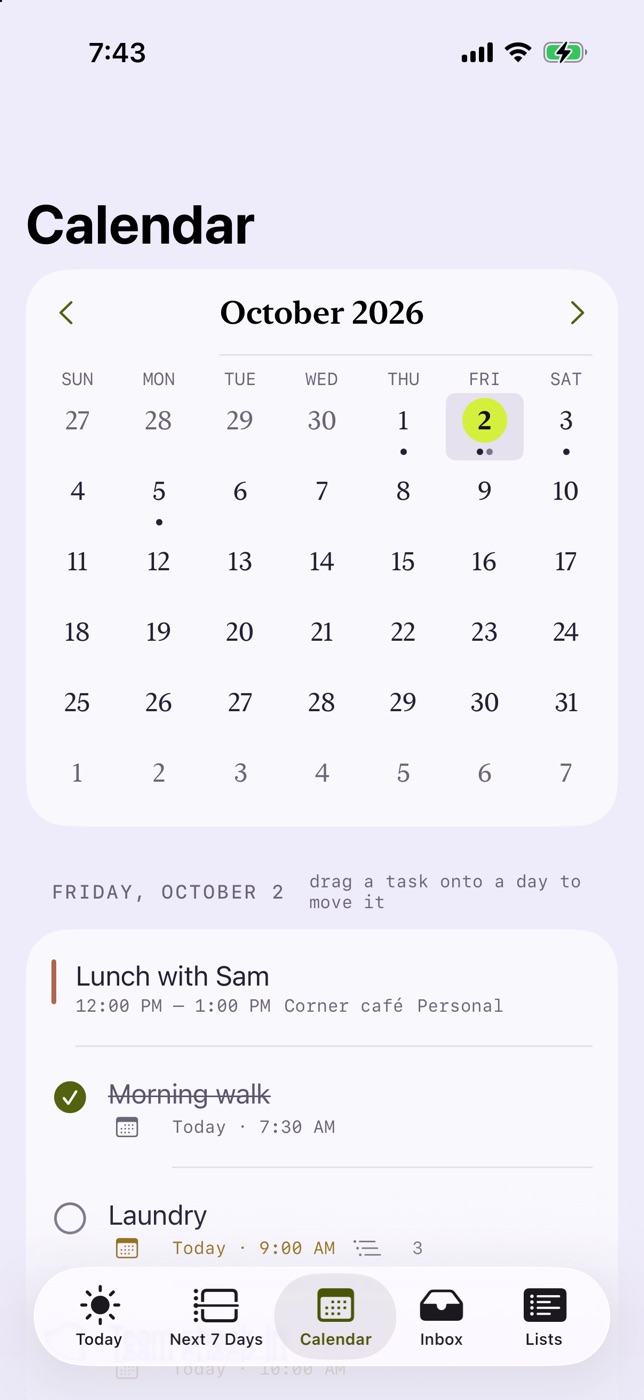
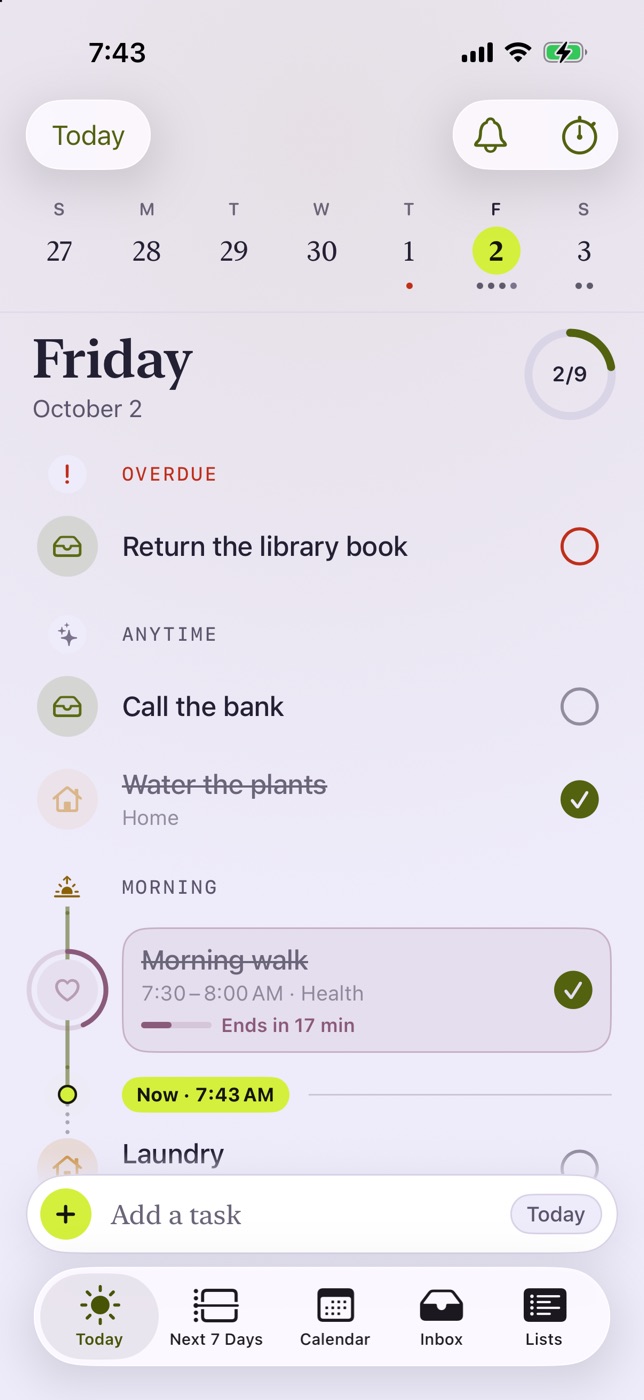
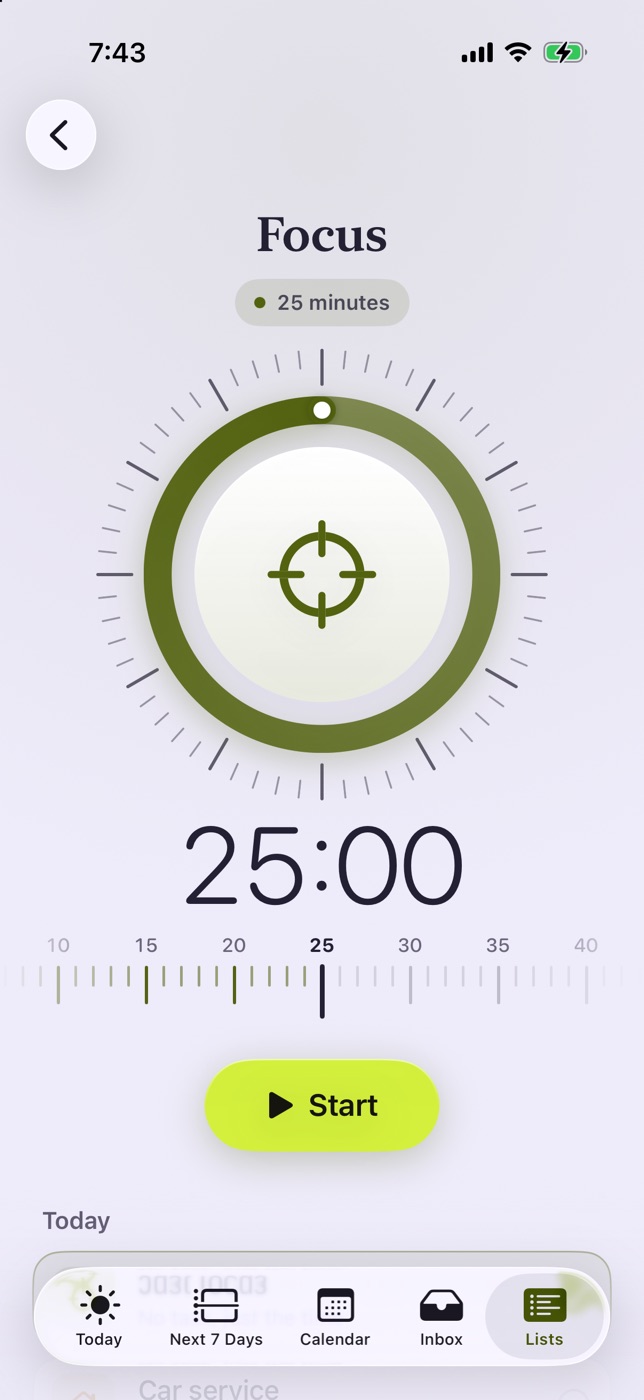
Coming soon to the App Store. Start on the web today.
New to Daybook? Create an account
7 days of Pro. Free web essentials after that. See plans
Daybook on the web puts today’s tasks, the month ahead, your habits and your countdowns side by side. The essentials are free on every plan, on any device.
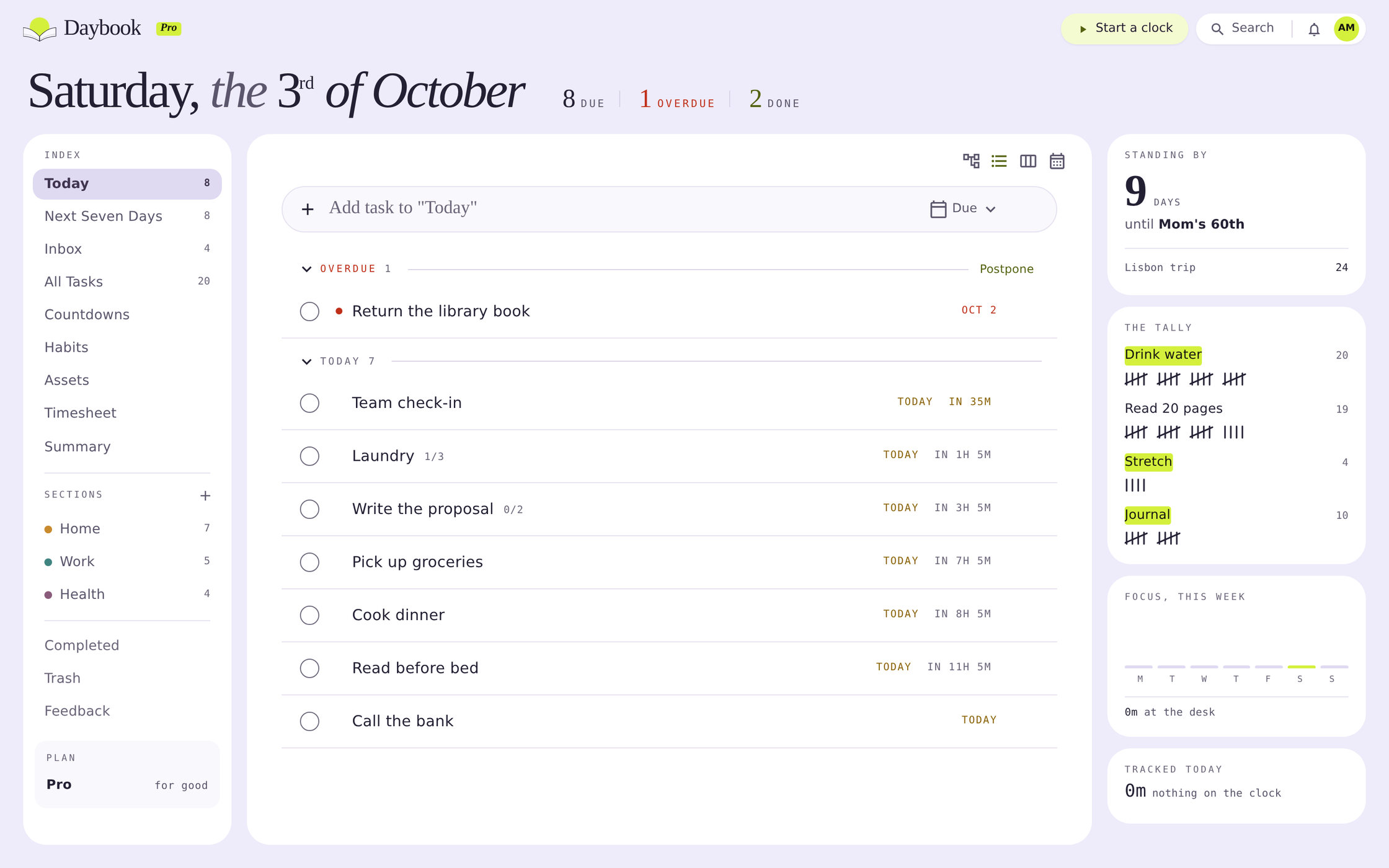
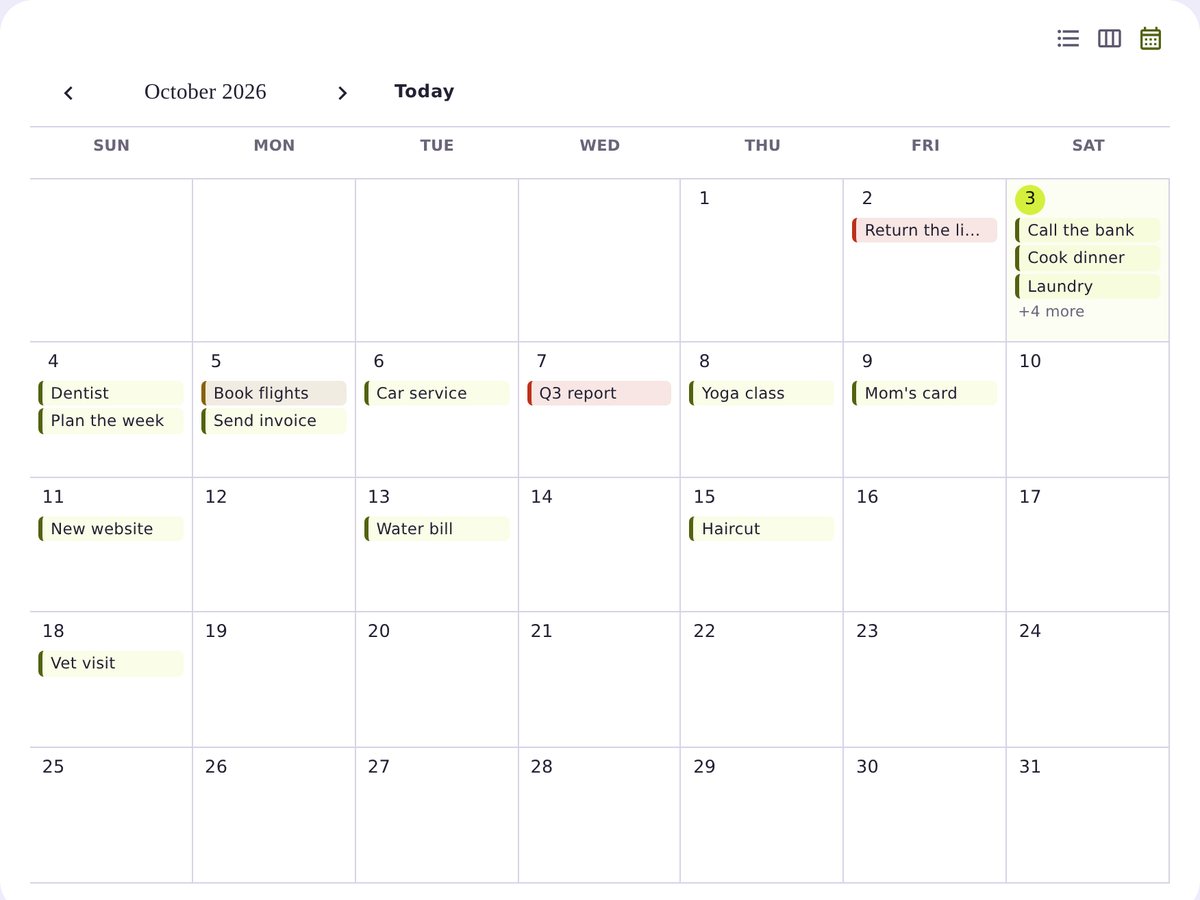
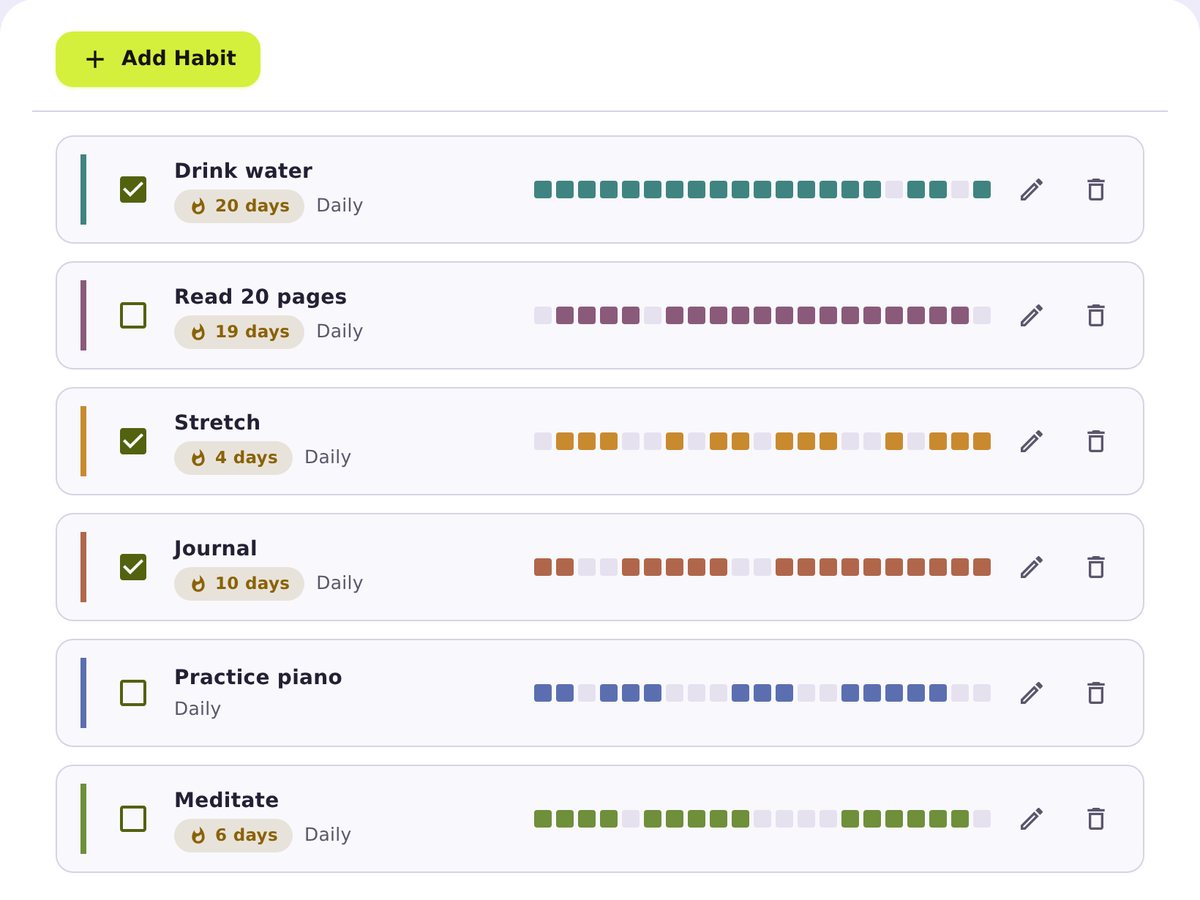
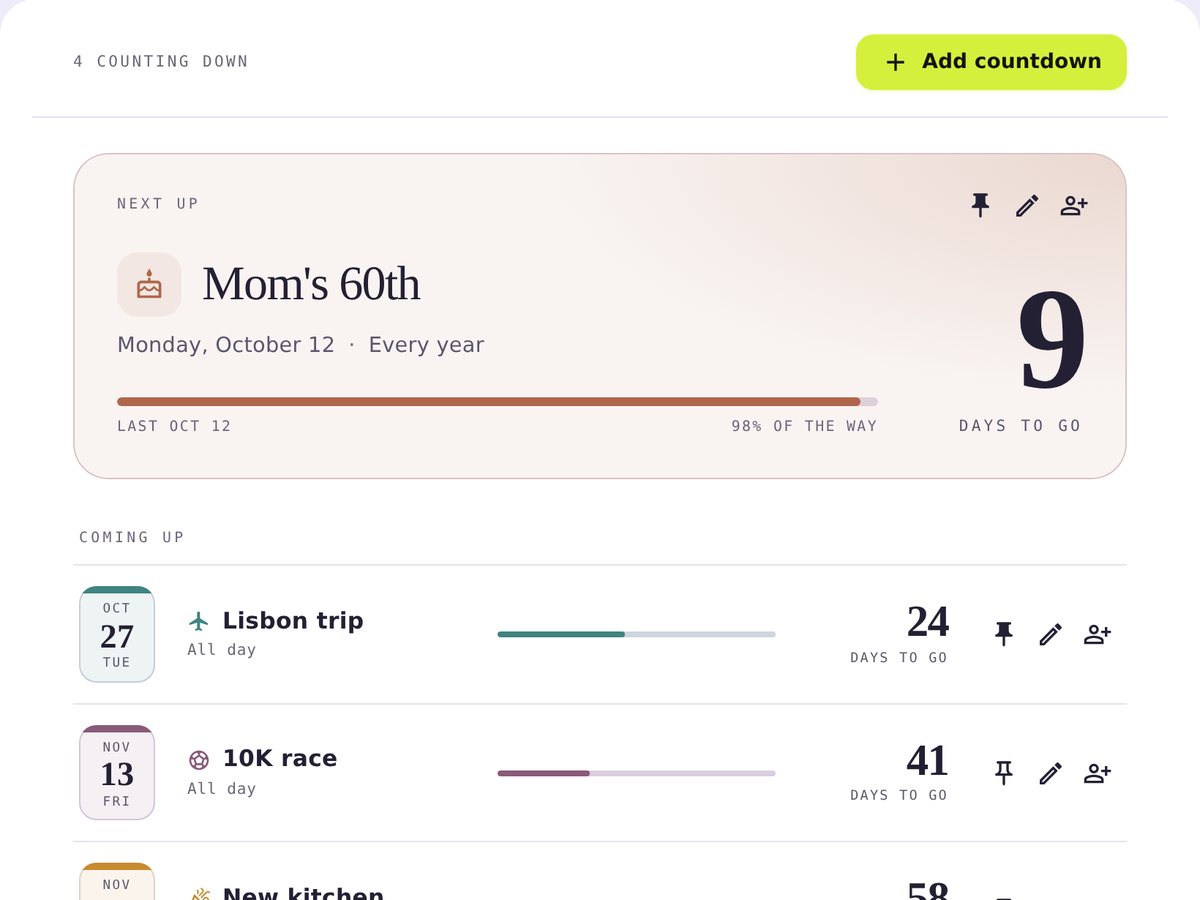
From the work you need to finish to the plans you’re looking forward to, Daybook helps you keep the whole picture in view.
Capture loose ends in your Inbox, organize them into lists, and use Today and Next 7 days to see what needs your attention.
The deadline. The grocery run. The call you meant to make.
Keep daily habits beside your tasks and count down to meaningful dates. Everyday routines and bigger plans belong together.
Read a chapter. Take a walk. Get ready for that trip.
Share a list or countdown so everyone can see the plan. Keep work, home, and the people involved on the same page.
One shared shopping list. One less “did you remember?”
Every new account gets 7 days of Pro, with no credit card required. Choose a paid plan when you’re ready.
$0 no time limit
Monthly and yearly plans renew until canceled. Lifetime access lasts for the life of the product. Prices in USD; applicable taxes added at checkout. Compare all plans.
Have another question?
Get in touch with support.
Daybook is a personal planner for tasks, habits, countdowns, and shared lists. Use it to organize work and everyday life, see what’s due today, and plan the week ahead.
No. Create an account and confirm your email to start a 7-day Pro trial. You only pay if you choose to buy a plan.
Your account moves to Free automatically. Your tasks, habits, countdowns, shared lists, and web access stay available. Pro features pause, and nothing you entered is deleted.
The web app works on your phone, tablet, and computer. The native iPhone app is included with Pro; check the iPhone preview above for current App Store availability.
Yes. Sharing a list is part of Pro, and the people you invite join on any plan, Free included, so only one of you needs to pay. Countdowns can be shared on Free.
Cancel a subscription from your account’s Plan page or billing portal. You keep Pro until the paid period ends. Daybook’s policy offers a full refund when you contact support within 14 days of a charge. Read the refund policy for details.
Daybook stores your account information and the content you add to run the service. You can download your personal data or delete your account in account settings. Read the privacy policy, including cookies and browser storage.
Use Log in in the menu. Sign in with your email and password or an existing passkey. If you need help, you can reset your password.
Start with what’s on your mind. Daybook gives it a home.
No credit card to start. No automatic charge after your trial.